




Contact Center Transcription
Every call and chat transcribed across 100+ languages and linked to the interaction timeline automatically.
Vertrouwd door klantgerichte bedrijven over de hele wereld






Where contact centre transcripts break in real support operations
Most platforms record calls but store transcripts somewhere separate, disconnected from the ticket, the agent, and the next step.

Limited Call Visibility
Calls are hard to audit or coach without a reliable, accessible transcript.
Fragmented Chat History
Chat history gets fragmented across tools or lacks the structure QA teams need.
Manual Context Recovery
Managers lose time reconstructing context for escalations, disputes, and reviews.
Insights Stay Siloed
Insights stay trapped in individual conversations instead of becoming measurable improvements.
The BlueTweak approach: capture, connect, use
Transcripts should not be stored. They should be usable.
Automatic Transcript Capture
Every call and chat is transcribed after the interaction completes across 100+ languages. No manual setup, no missed conversations, no separate recording tool needed.

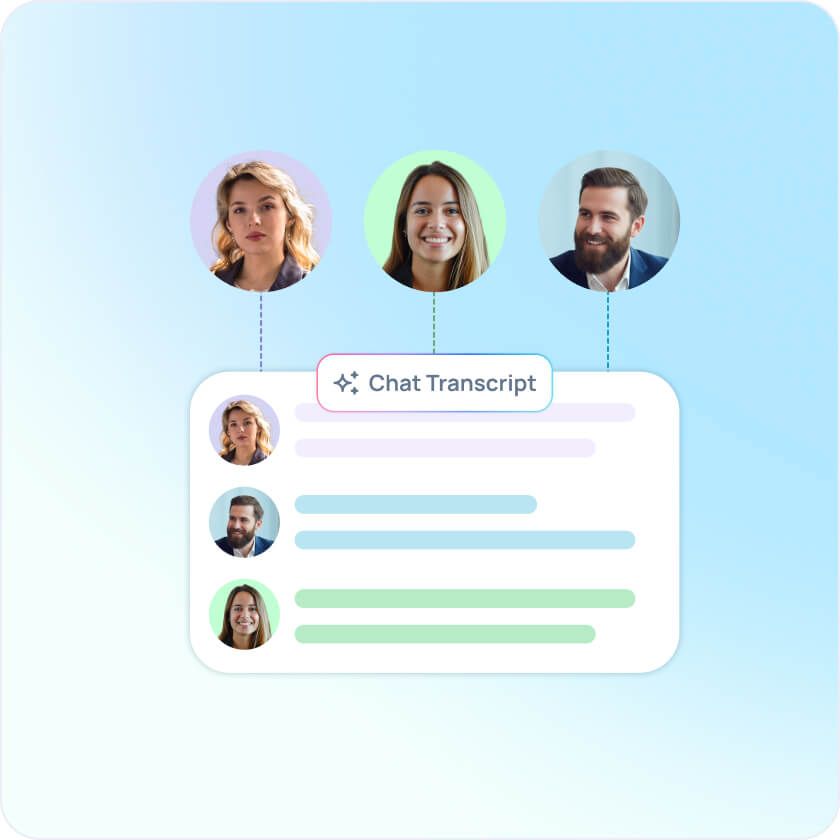
Speaker-Labeled Transcripts
BlueTweak's diarization model identifies and separates individual speakers during calls, assigning clear labels to the agent and customer voice. Transcripts are organized and readable without cross-referencing the audio.
Interaction Timeline Linking
Transcripts are attached directly to the full interaction record and linked to the customer profile. Agents, QA, and managers see conversation history alongside ticket data and channel activity in one view.

Automatic Summarization
Every transcript feeds directly into BlueTweak's AI summary feature, extracting key points automatically. Agents get the context they need instantly, without reading the full transcript every time.

Searchable Conversation History
Search across transcripts by keyword, phrase, or topic to find escalation patterns, recurring issues, or specific moments, without listening back to recordings.

QA and Coaching Integration
Run structured quality evaluations against the actual transcript of each interaction. Coaches work from real conversations, not reconstructed summaries.

Why teams choose BlueTweak for contact center transcription

Workflow-First
Transcripts live inside the same interaction timeline agents already use, not in a separate archive.
Connected to AI Summarization
Transcripts don't just get stored — they feed directly into automatic summaries so agents always have the key points without the full read.
QA-Ready
Give quality teams consistent, structured access to real interactions rather than summaries or notes.
Full Context, Every Handoff
Agents and managers always have what they need without asking customers to repeat themselves.
Searchable at Scale
Find specific phrases, issues, or moments across your full conversation history without manual review.
Start capturing every conversation in BlueTweak
Boek een demo

What support teams say about BlueTweak

“De overstap naar dit klantenserviceplatform verliep voor ons team vlekkeloos. De oplossing voldeed niet alleen aan onze verwachtingen, maar overtrof deze zelfs, wat resulteerde in een naadloos communicatiesysteem via meerdere kanalen dat onze passagiers in realtime op de hoogte hield.”
Veelgestelde vragen
What is contact center transcription?
Contact center transcription automatically converts the audio from customer calls into searchable, readable text after the interaction completes. Every agent-customer conversation across 100+ languages is captured as a transcript and made available for QA, coaching, escalation handling, and trend analysis, without manual note-taking or listening back to recordings.
How does BlueTweak generate call and chat transcripts?
BlueTweak automatically transcribes voice calls and live chat conversations at the point of interaction. Each transcript is attached directly to the interaction timeline and linked to the customer profile, so agents, QA reviewers, and managers access full conversation context from within their existing workflow — without sifting through audio files.
How does speaker labeling work in BlueTweak transcripts?
BlueTweak uses a diarization model that identifies unique voice characteristics during a call and assigns speaker labels to separate the agent and customer throughout the transcript. This makes transcripts immediately readable and removes the need to cross-reference the original recording.
Can teams search across transcripts?
Yes. BlueTweak makes transcripts searchable across your full interaction history. Teams can locate specific phrases, issues, or conversation moments without manually reviewing individual recordings, which is useful for escalation handling, QA reviews, and identifying recurring patterns across support volume.
Start capturing every conversation in BlueTweak